
data-faithful-infographic
@randalolson/data-faithful-infographicSafety
Runnable
Well-formed
Use when you have a data story for LinkedIn, X, or a blog and want a designed square infographic whose visible numbers, labels, and source line exactly match your data, with no invented figures, transposed digits, or decorative chart-junk.
See it in action
You hand the workflow a data story in plain language. It pulls out the numbers, confirms them with you, and checks every figure it renders against that confirmed list before the image ever reaches you. The run below uses one such story, the world's most spoken languages, with and without that check.
Without the workflow
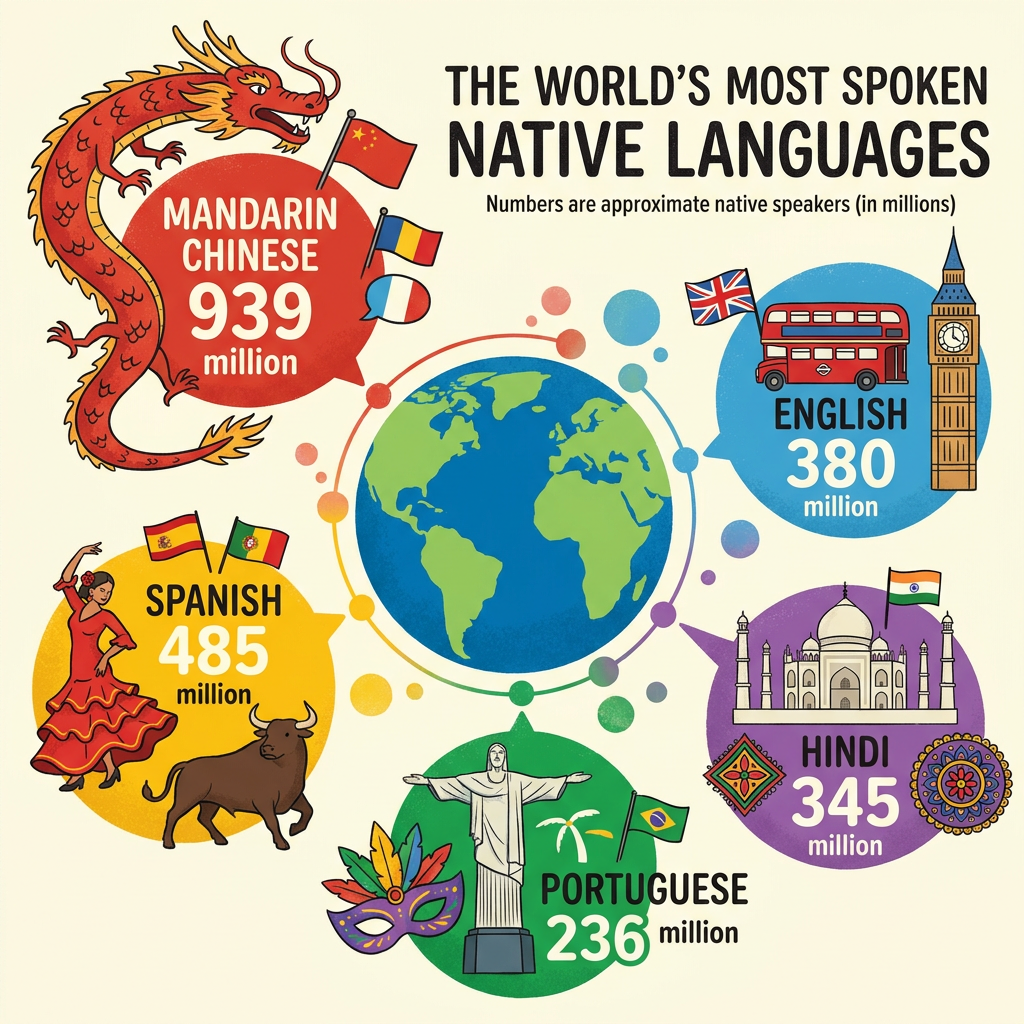
One generation, nothing holding it to the data. The model chases the look of an infographic and loses the substance. It rewrote the title, dropped the source line, drew flags for languages that are not in the dataset, and packed the rest behind a dragon and a row of landmarks. The verifiers flag every one of those:
With the workflow
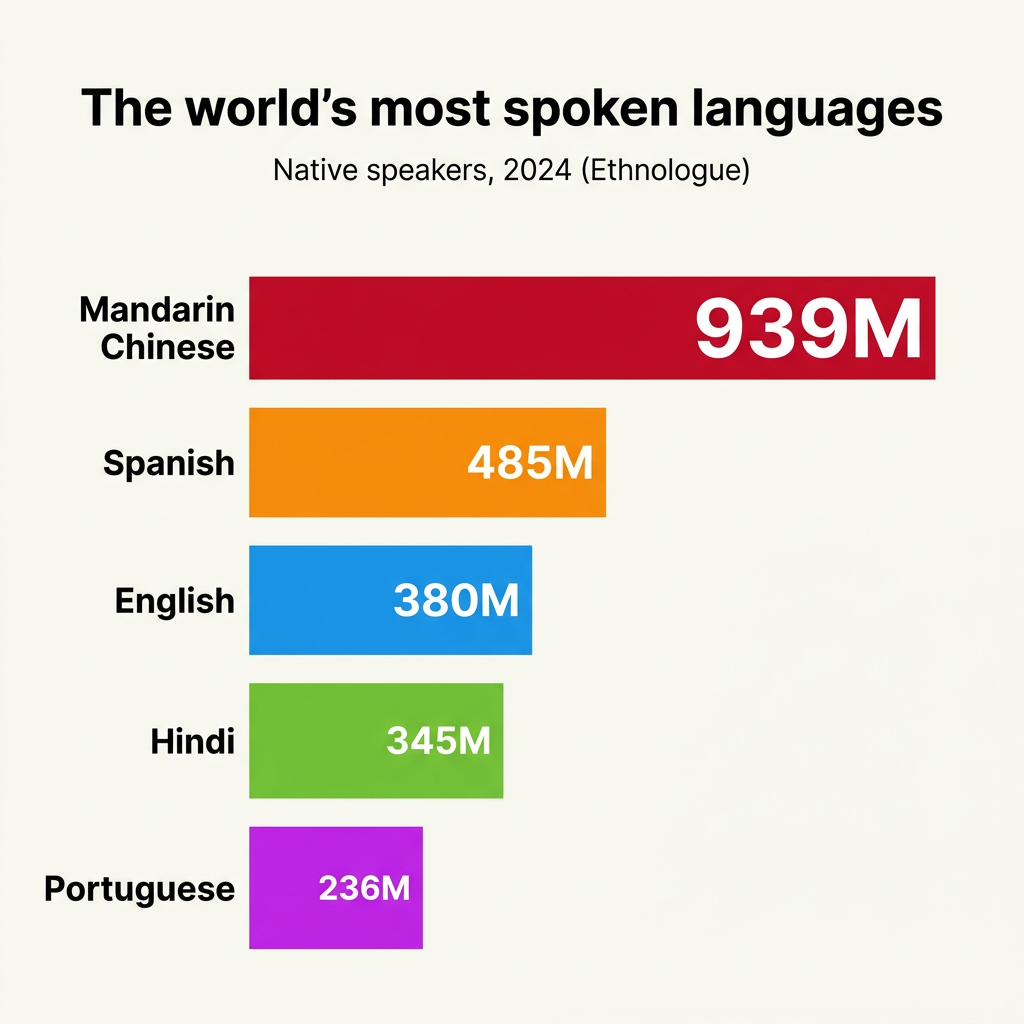
Same brief, same model, this time told which numbers it has to honor and rechecked until it does. The figures match, Mandarin clearly leads, and the decoration is gone. The image ships only after all six checks pass:
Use this template
Your agent fetches this runbook and runs it, revising the output until the verifiers pass.
First time with Goodeye?
Connect your agent over MCP, then ask it to fetch this template by its identifier. Or install the CLI and run the command below.
claude mcp add --transport http goodeye https://mcp.goodeye.dev/mcpuv tool install goodeyeConnecting over MCP prompts a quick sign-in. The CLI can fetch and run a public template with no account.
Fetch or fork
goodeye templates get @randalolson/data-faithful-infographicgoodeye templates fork @randalolson/data-faithful-infographicAlso available from
get_template(identifier="@randalolson/data-faithful-infographic")curl https://api.goodeye.dev/v1/templates/@randalolson/data-faithful-infographic